The TL;DR
- As a student, representing yourself on a personal site can be challenging! It’s important to not get overwhelmed and, instead, try to focus on what you already love and are passionate about.
- Any visitors on your site, especially future employers, want to learn about you. Instead of being a perfect yet unrecognizable version of yourself, try to lean into making your site authentic.
A personal website or portfolio can be a great way to begin recording your learning journey as a student. You can keep track of your accomplishments, share your thoughts with the world, and practice writing about your work. This also makes it a valuable resource to show to a future employer, who can begin to understand you as a person.
Capturing Yourself Online
Before you embark on creating that personal site, first take some time to reflect on how you would like to present yourself online. If you had to write an introduction to yourself and your website, what would you say? Here are some guiding questions to help you think:
- What am I passionate about?
- What are my values?
- What do I spend my free time doing?
- What are my goals for myself? For the future?
It can be challenging to write about yourself! Don’t worry about making it sound perfect, instead try to focus more on being authentic. What makes you you? Maybe you have a unique hobby of coin collecting or have always had an incredible love for outer space. Whether it’s future employers or fellow students, everyone loves to know bits and pieces that showcase you as a real human being on the other side of the screen.
Developing Your Visual Identity
Once you’ve spent some time reflecting on yourself through words, the next step is to think about the visual appearance of your website. Think of this as another extension of yourself! What colors do you enjoy? Color can be an incredible medium for subtly communicating information about yourself. For example, perhaps you are incredibly passionate about the environment, so you utilize blues and greens on your website to reinforce that passion.
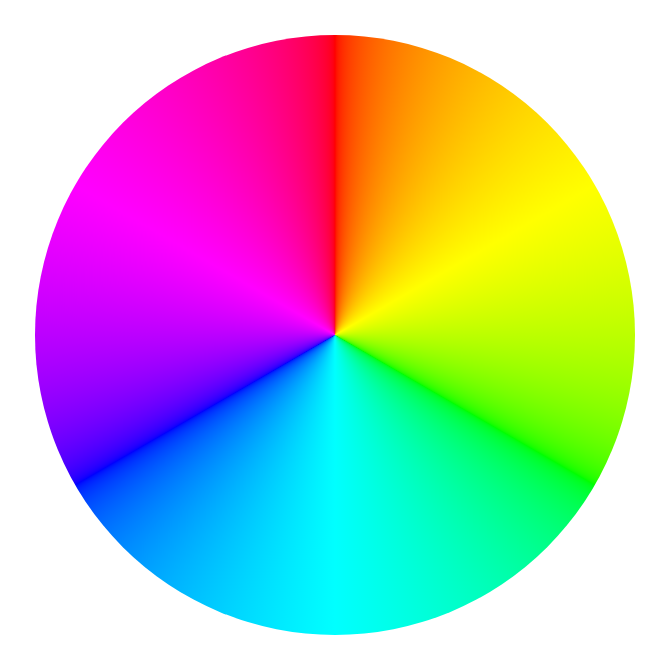
After narrowing down some colors you enjoy, think about how they go together! The website Coolors is a great platform for generating and visualizing color palettes. It also has a helpful Color Contrast Checker tool that helps you determine the contrast ratio of text and background colors. This ensures that your text is legible and accessible to your audience. Using these tools will help indicate how your colors fit next to one another or on top of each other, giving you a better sense of what your actual website will look like.
Curating Your Featured Works
Now that you have a written and visual identity for your personal site, start to think about what you’d like to showcase to your audience. A good way to begin is by writing an informal list of things you’ve created or worked on, no matter how “small” these might feel. Whether it was a lengthy paper you wrote in high school or a club you helped put together, keep track of these important accomplishments! Even if something feels insignificant, I can guarantee that you can find a unique way to display them and talk about your thinking behind them.
Once you’ve created this list, start to select some projects you are particularly proud of. What projects embody what you’ve already said about yourself? Maybe you already mentioned a personal passion for musical theater—why not showcase a paper you wrote analyzing a play? Try to be selective in order to display your best work that lets your skills, abilities, and passions shine.
Writing about Your Work
After you select your featured projects, the final step is to narrate the “behind the scenes” of your work. As one approach to writing about your work, you can follow the acronym POWER.
Project: What was the project? What was special or unusual about it?
Objective: What were you aiming to do? What was your role on the project?
Work: What work did you do? Why did you do your work in this manner?
End result: What did you achieve? What were the outcomes?
Reflection: What did you learn? What will you do differently in the future?
Adapted from UserFocus, “How to create a POWERful case study for your UX portfolio”
By focusing on your contributions and lessons learned, the POWER approach automatically allows you to turn your work into a meaningful narrative. Your audience gets to learn about your thinking process and how you might work as a future employee, student, or peer.
Student Features
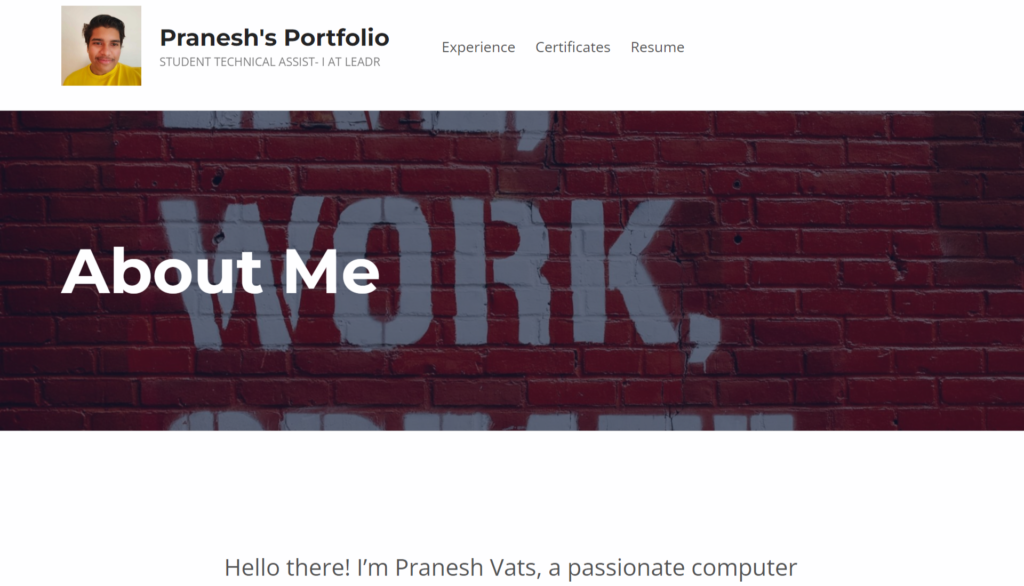
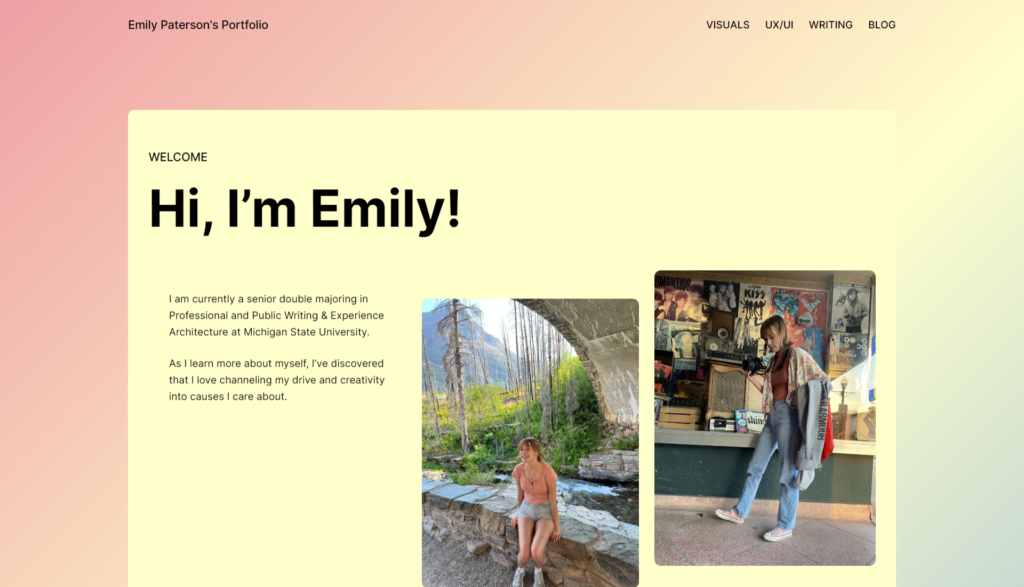
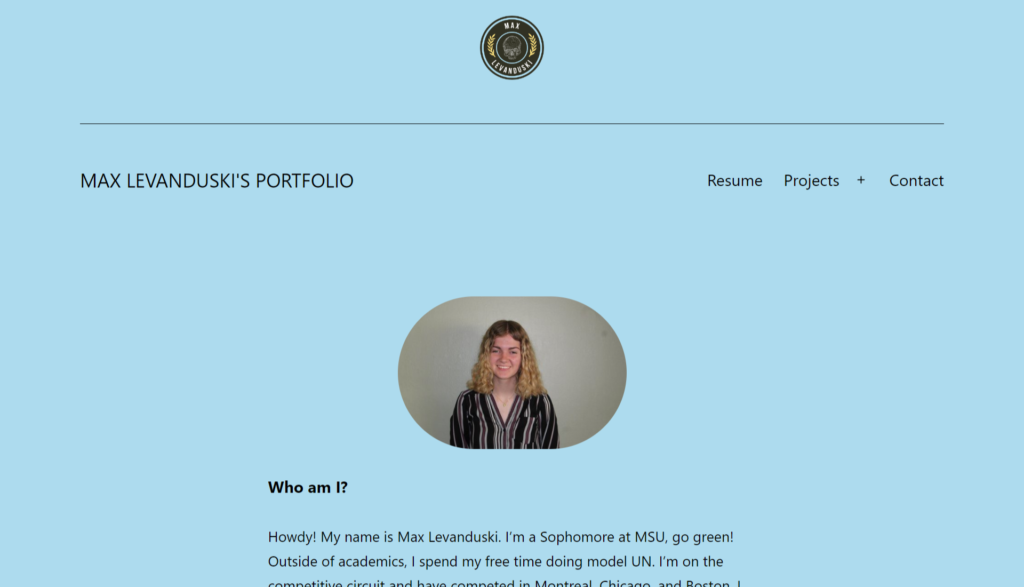
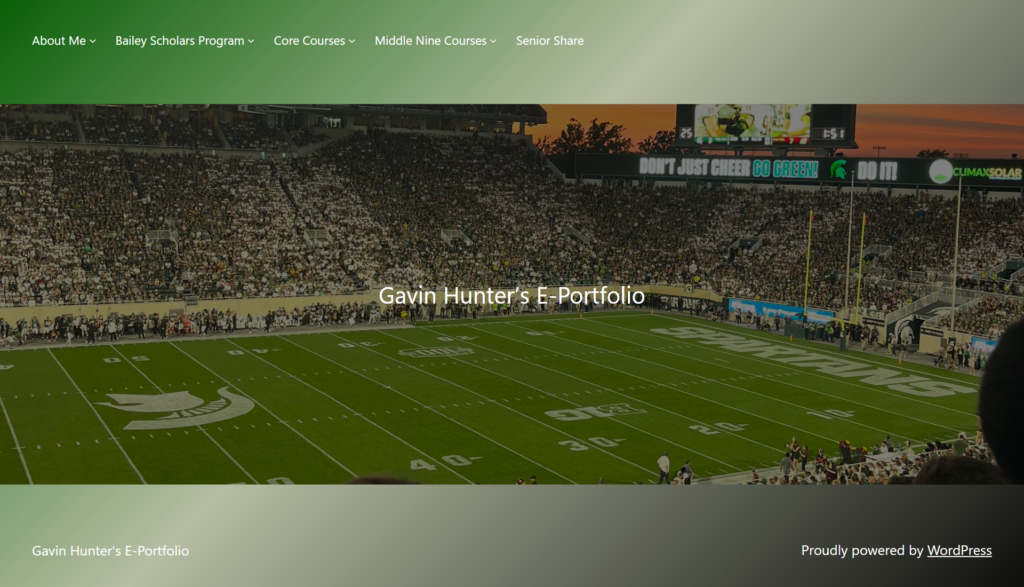
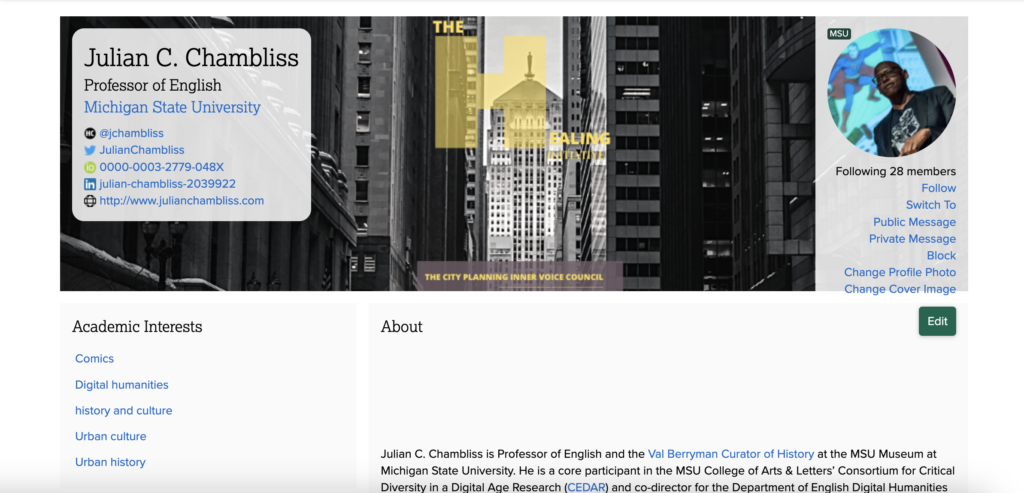
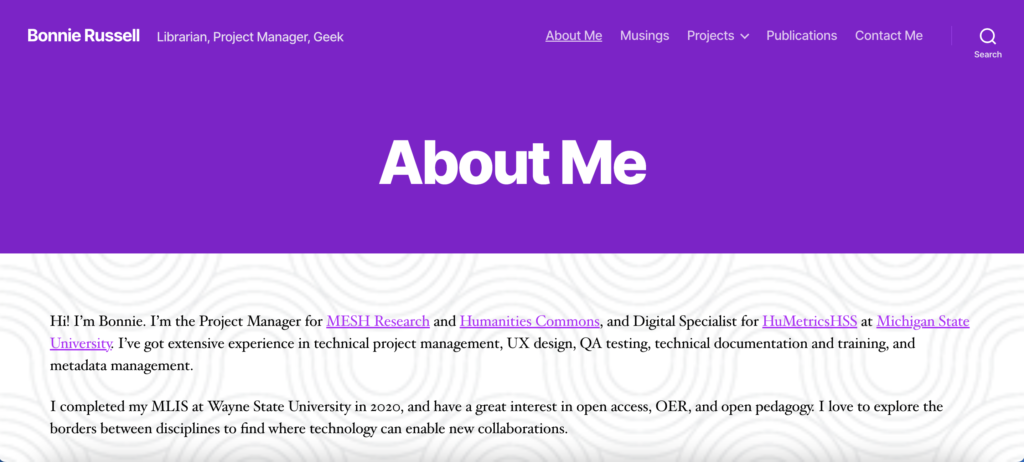
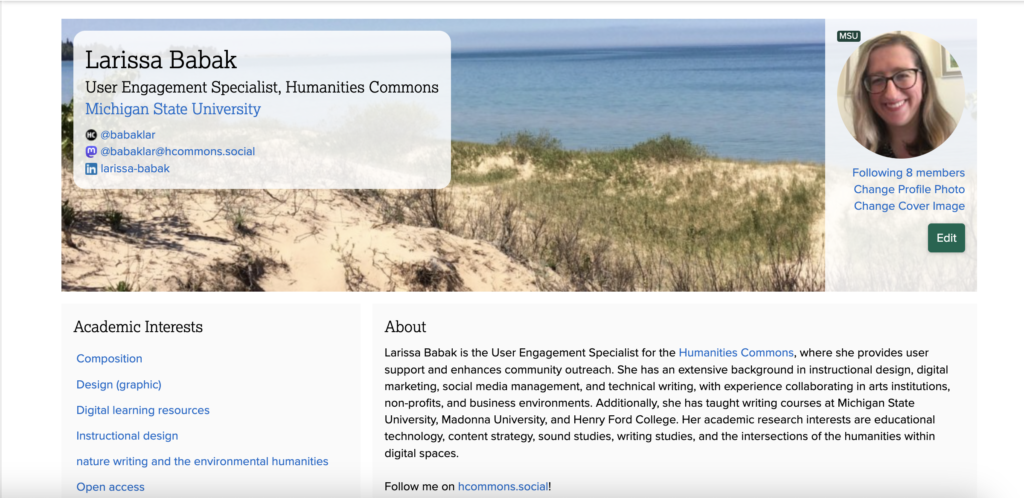
For more insight and inspiration, check out these featured student portfolios on the Humanities Commons!